









A workspace does not need a complete makeover to feel better. In just ten minutes, you can clear visual clutter, improve your comfort, and create a more inviting place to work. The key is to focus on small changes that make an immediate difference.
This quick refresh works for a home office, a shared desk, a study area, or any spot where you spend time reading, planning, or completing tasks. Set a timer, follow the steps below, and stop when the ten minutes are up.
Minute One: Take a Quick Look
Before moving anything, pause and look at your workspace as a whole. Notice what feels distracting, uncomfortable, or out of place.
Ask yourself:
– What is taking up space unnecessarily?
– Which items do I use every day?
– Is anything difficult to reach?
– Does the area feel too dark, crowded, or messy?
– What is one change that would make the space feel better?
Choose one main goal for your refresh. You might want to clear your desktop, create more room for writing, improve your lighting, or simply make the area look calmer. A clear goal helps you work quickly instead of reorganizing every drawer.
Minutes Two and Three: Remove the Obvious Clutter
Start with the items that clearly do not belong in your workspace. Take away empty cups, food wrappers, old notes, packaging, and anything you finished using earlier.
Use three simple categories:
- **Keep:** Items you use regularly at this workspace.
- **Move:** Items that belong somewhere else.
- **Discard:** Rubbish, duplicates, or items you no longer need.
Do not worry about making perfect decisions. The goal is to create breathing room, not to sort your entire home. Place items that belong elsewhere in a small pile or basket so you can put them away after your ten-minute refresh.
If your desk is already fairly clear, focus on visual distractions. Remove extra decorations, unused supplies, or stacks of paper that make the surface feel busy.
Minutes Four and Five: Reset Your Main Work Area
Now clear the area directly in front of you. This is the space you use for your main task, whether that means typing, writing, reading, or planning.
Keep only the essentials within easy reach:
– Your computer or notebook
– A pen or pencil
– A drink
– A lamp or light source
– One small item that adds comfort or personality
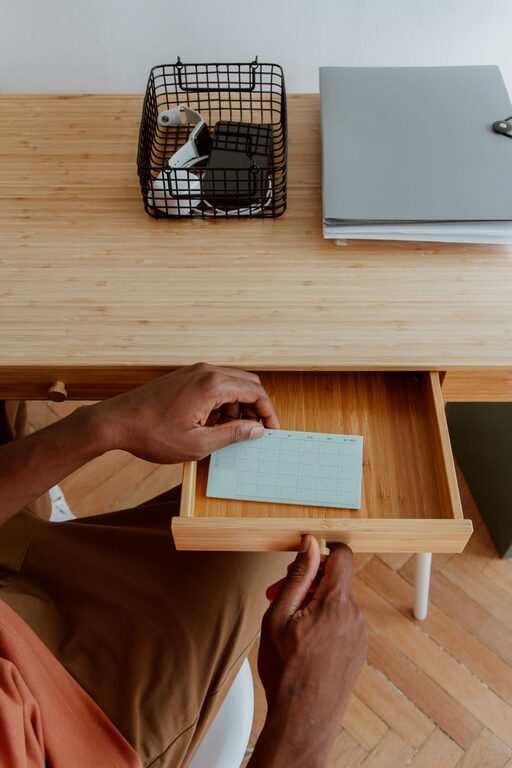
Move supplies you use occasionally to a drawer, shelf, or nearby container. Group similar items together, such as pens in one cup and cables in one place. A small tray can help contain loose objects without making the surface look crowded.
If you work with a monitor, center it in front of your chair when possible. Place your keyboard and mouse where they feel natural to use. Even a few inches of extra space can make the desk feel more organized.
Minute Six: Tidy Cables and Devices
Loose cables can make an otherwise clean workspace look unfinished. You do not need a complicated cable management system for a quick improvement.
Try these simple fixes:
– Unplug chargers you are not using.
– Coil long cables loosely and secure them with a reusable tie.
– Place charging cables on the side of the desk where you normally use them.
– Keep power strips from sliding under your feet.
– Put rarely used devices in a drawer or storage box.
Avoid bending cables sharply or placing them where they could become a tripping hazard. The aim is not to hide every wire. It is to make the cables easier to understand and use.
You can also take this moment to wipe fingerprints from your keyboard, mouse, phone, or monitor using a suitable dry or lightly damp cloth. Always follow the care instructions for your devices and avoid getting moisture into openings.
Minute Seven: Improve Lighting and Comfort
A workspace can feel unpleasant simply because the lighting or seating is not quite right. Make one or two quick adjustments.
If the area is dim, move a lamp closer or open a nearby curtain for more natural light. Try to avoid strong glare on your screen. If a window is behind you, changing the angle of your monitor may reduce reflections.
Next, check your chair and posture. Sit with your feet supported and adjust the chair so you can work comfortably. Place frequently used items where you can reach them without twisting or stretching.
A small comfort change can have a noticeable effect. Add a cushion, move your chair slightly, or place a footrest under the desk if needed. The best setup is one that supports your normal work without requiring constant adjustment.
Minute Eight: Add One Positive Detail
A refreshed workspace should be useful, but it can also feel welcoming. Add one small detail that makes you enjoy being there.
Consider:
– A small plant
– A favorite photo
– A simple desk calendar
– A colorful notebook
– A calming piece of artwork
– A neatly arranged cup of pens
Choose just one item. Too many additions can quickly turn into clutter. The purpose is to add a personal touch while keeping the area easy to use.
If you prefer a minimal workspace, your positive detail could be as simple as placing your favorite notebook in the center of the desk or using a mug you enjoy.
Minute Nine: Create a Ready-to-Work Setup
Think about the first task you are likely to complete after the refresh. Prepare the workspace for that task.
For example:
– Open a blank document for writing.
– Place the materials for your next project nearby.
– Put a notebook beside your keyboard.
– Write down your first priority on a sticky note.
– Set out the book or folder you plan to use.
This step reduces the effort needed to begin. Instead of returning to a messy or empty setup, you will have a clear starting point waiting for you.
Keep the note short and specific. “Review project notes” is more useful than “be productive.” A visible first step can help you move from preparation into action.
Minute Ten: Finish With a Fast Reset
Use the final minute to scan the area once more. Put away the “move” items, empty the rubbish, and return anything that is still out of place.
Then ask:
– Is there enough clear space for my main task?
– Can I find the items I use most?
– Is the lighting comfortable?
– Does the workspace feel easier to use than it did ten minutes ago?
Do not look for perfection. A successful refresh is one that makes the next task simpler and the space more pleasant.
Keep the Refresh Going
A ten-minute reset is most effective when it becomes an easy habit. At the end of each work session, spend one or two minutes returning items to their usual places. This prevents clutter from building up and makes the next refresh even faster.
You can also schedule a longer workspace review once a week. Use that time to sort papers, clean surfaces, check supplies, and remove items you no longer use.
Your workspace does not have to look like a showroom. It only needs to support the way you work. By clearing the obvious clutter, improving comfort, and preparing for your next task, you can create a noticeable change in a few minutes.